
Every content creator eventually runs into the same wall: the video looks fine, but something about it still feels unfinished. Nine times out of ten, that “something” is the audio. A silent product clip, a mismatched stock track, or footage with no sound design at all can undercut even a well-shot video — and it’s the part creators most often leave for last, if they get to it at all.
Why Video Tools Alone Don’t Solve the Whole Problem
Most AI video generators are judged almost entirely on the visuals — how realistic the motion looks, how sharp the output is, how well it follows a prompt. That focus makes sense, but it also means audio gets treated as an afterthought bolted on at the end, usually with a generic royalty-free track dropped in during export.
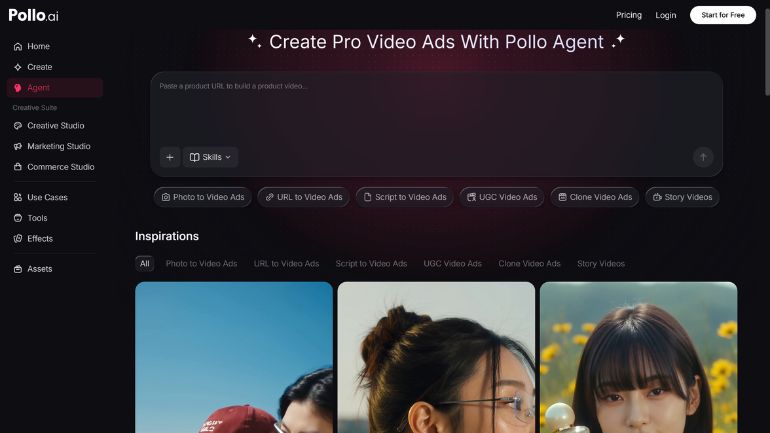
Pollo AI has taken a different approach with its agent-driven workflow. Instead of treating video generation as an isolated step, Pollo Agent is built to handle a brief end to end — pulling in your assets, assembling the sequence, and thinking about pacing and audio as part of the same process rather than a separate task you handle afterward in a different app. For solo creators and small teams without a sound designer on hand, that matters more than it sounds: audio is usually the difference between a video that feels professional and one that feels like a rough draft.
The Real Cost of Treating Audio as an Afterthought
It’s worth being specific about what goes wrong when audio is bolted on late. A track chosen purely because it’s “not copyrighted” rarely matches the pacing of the cuts. Sound effects get skipped entirely because adding them means opening yet another tool. Voiceovers end up flat because there was no time budgeted to record or clean them up properly.
None of these are hard problems individually, but they add up, and they’re exactly the kind of details that separate content that performs well from content that quietly underperforms despite decent visuals. The fix isn’t necessarily more effort — it’s sequencing: treating music, sound effects, and pacing as part of the initial brief rather than a last-minute patch job.
Where Licensed Audio Libraries Fit In
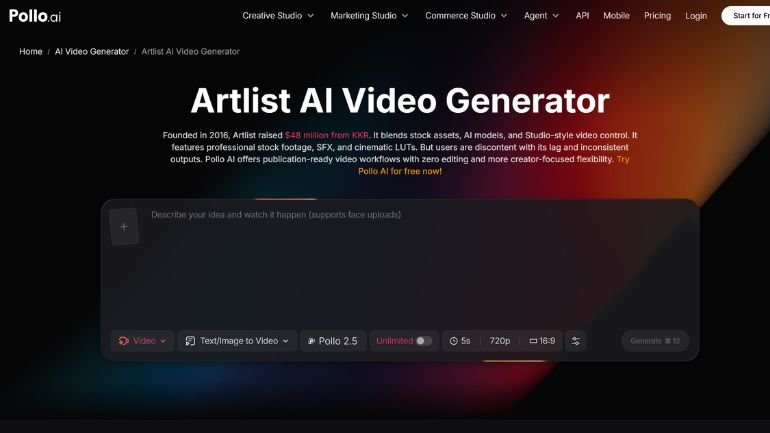
This is where a proper music and sound effects library earns its place in the workflow. Artlist AI is one of the more established names here, known for its catalog of licensed tracks and SFX built specifically for content creators who need commercially safe audio without wading through copyright uncertainty. Pollo AI actually connects directly into this catalog through its Artlist AI integration, so instead of exporting a video from Pollo AI, opening a separate library, previewing tracks, and re-importing everything, you can pull in licensed music and sound effects as part of the same generation pipeline.
That kind of integration sounds like a small convenience until you’re doing it for the tenth video of the month. Cutting out the export-search-reimport cycle isn’t just faster — it also makes creators more likely to actually add proper sound design instead of skipping it under deadline pressure, which is usually how videos end up feeling unfinished in the first place.
Building an Audio-Aware Video Workflow
The creators who consistently put out polished work tend to think about audio at the same stage they think about the visual brief, not after. That means picking a track or sound palette before generation starts, not scrambling to find “something that fits” once the cut is locked. It also means building a small library of go-to tracks and SFX for recurring content types — a punchy stinger for product reveals, a calmer bed for explainer content — so you’re not starting the search from scratch every time.
None of this requires becoming an audio engineer. It just requires treating sound as part of the brief rather than a finishing touch, and using tools that make it just as easy to pull in the right track as it is to generate the right clip.
Getting Started
If you’re testing an agent-driven video workflow for the first time, don’t leave audio as the last five minutes of the process. Pick one video format you make regularly, decide on the mood and pacing you want before you generate anything, and choose your music and sound effects as part of that same brief. You’ll notice the difference immediately — not because the visuals changed, but because the video finally sounds as finished as it looks.
Be the first to comment on "AI Video and Sound: Pairing Pollo Agent With the Right Audio Workflow"